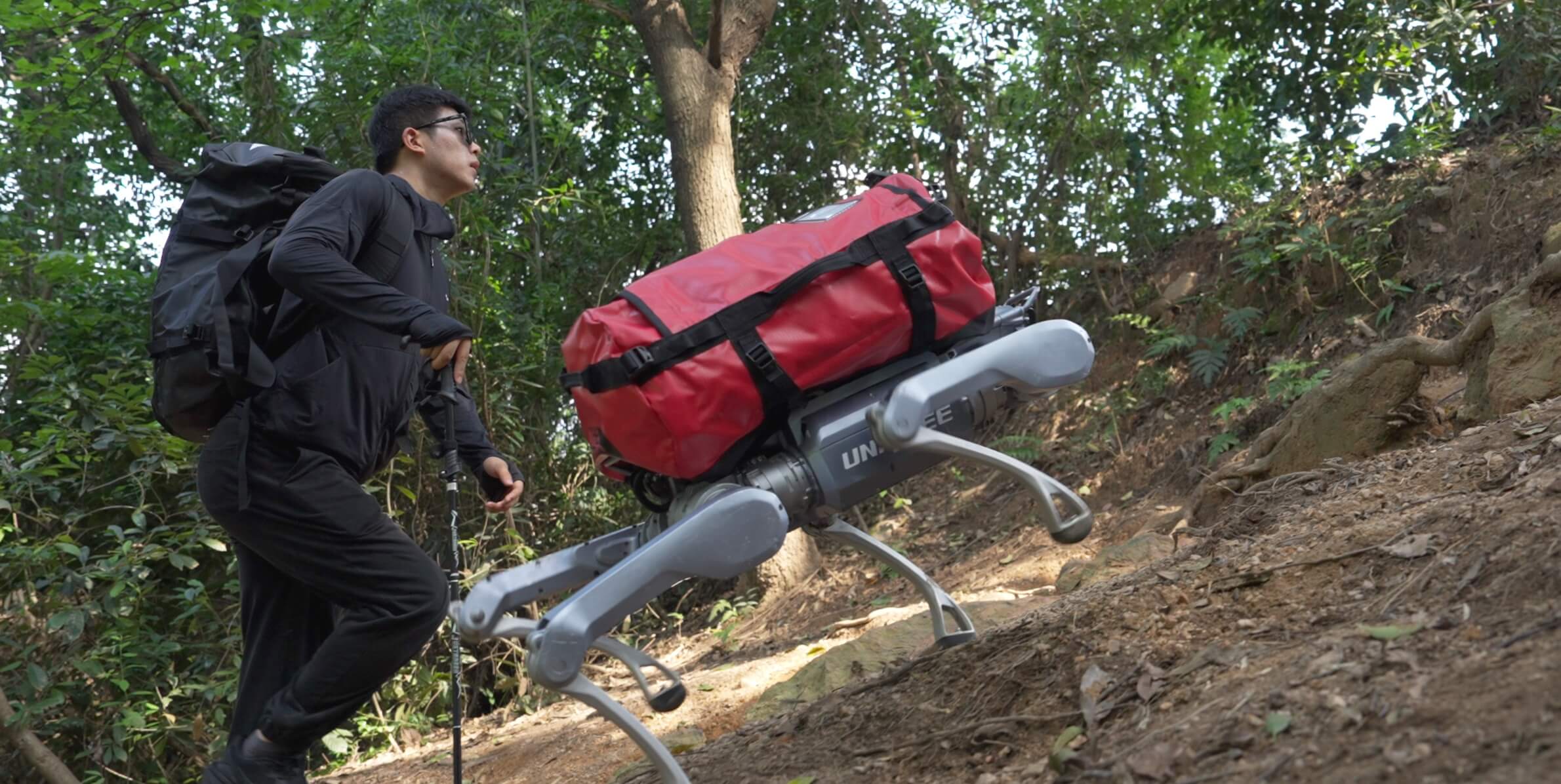
Unitree A2
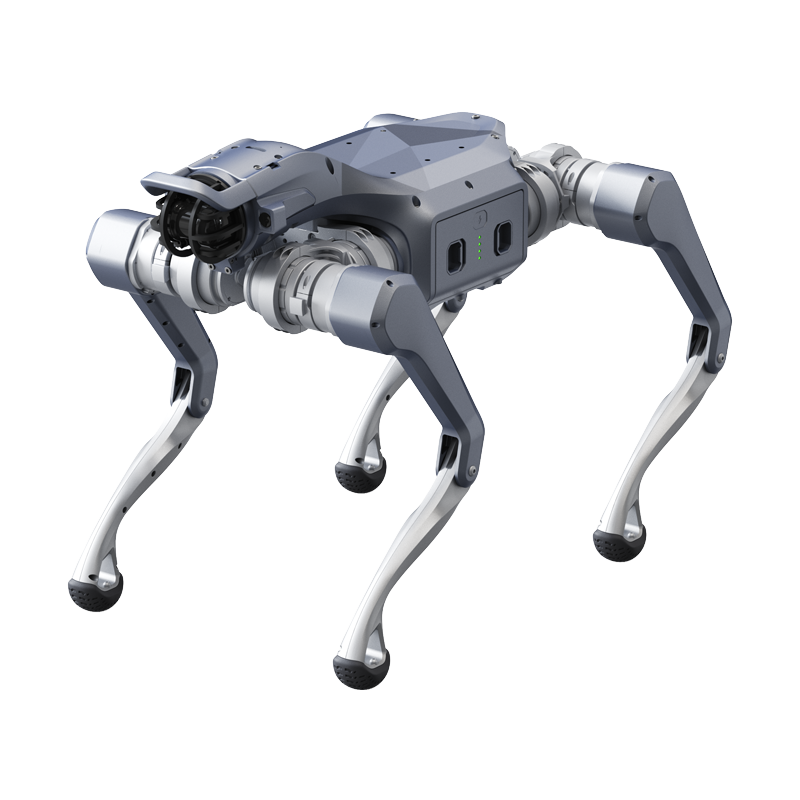
The Unitree A2 is an industrial-grade quadruped robot engineered for demanding field operations such as inspection, security patrol, mapping, and logistics. Built around twelve high-torque joint actuators, dual industrial LiDAR, and hot-swappable batteries for 24/7 duty cycles, the A2 combines rugged durability with the open control interfaces required for research, autonomy development, and commercial deployment.
Rugged Industrial Mobility
The A2 is built for the field. Twelve high-performance electric joint actuators deliver up to 180 N·m of torque, enabling a top speed of up to 5 m/s, a maximum step height of 300 mm, and slope traversal of up to ±45°. An ingress-protected chassis (IP56 outer body, IP67 internal compartments) allows operation across an ambient range of −20 °C to +55 °C, in dust, rain, and uneven terrain.
Continuous Operation and Heavy Payloads
Two 9,000 mAh hot-swappable batteries support uninterrupted, around-the-clock operation by allowing battery exchange without powering down. The A2 carries a 25 kg payload while walking and supports up to 100 kg in a stationary stance, providing ample capacity for sensor packages, manipulators, and mission equipment.
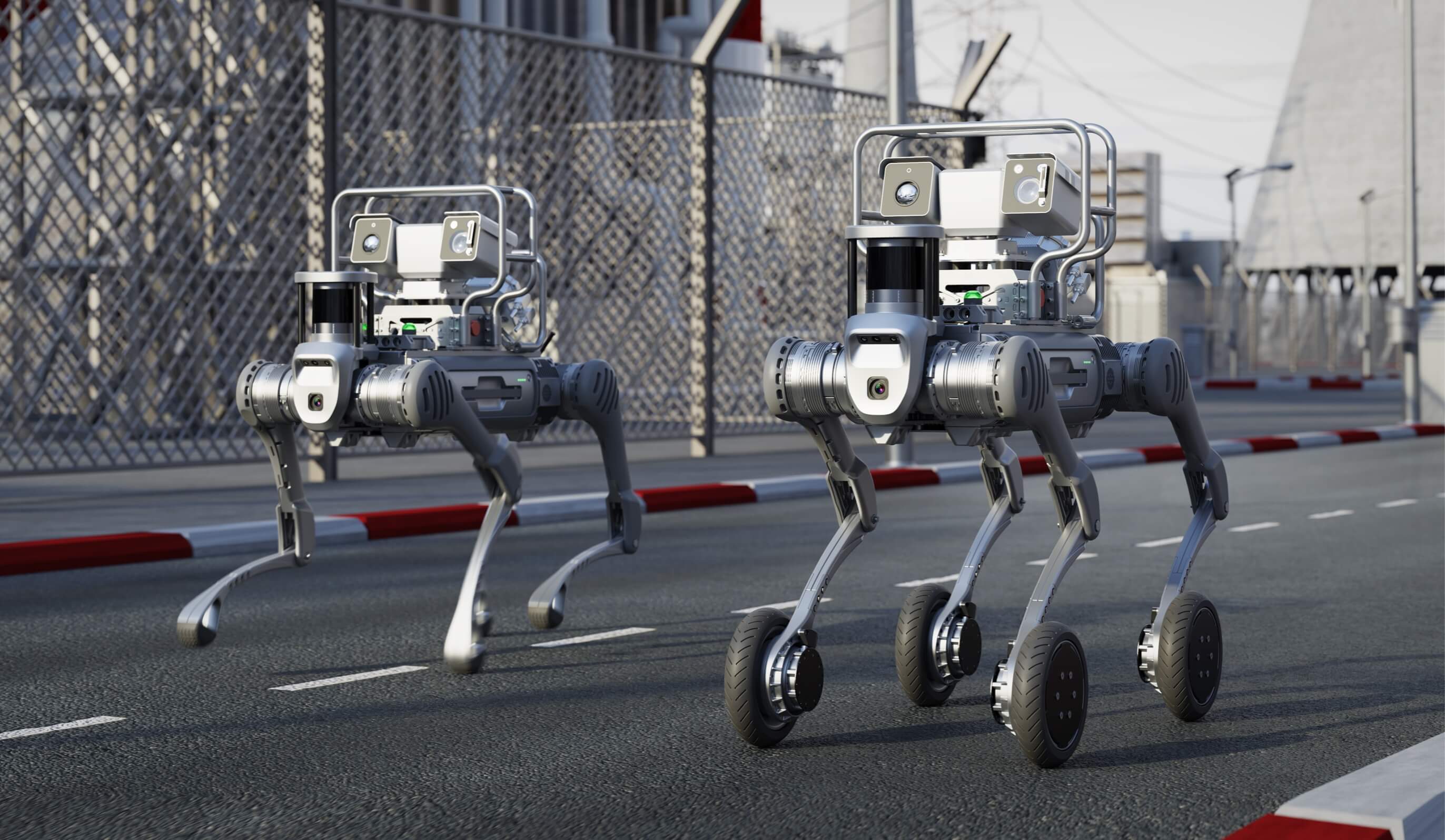
Autonomous inspection deployment
360° Perception
Dual industrial LiDAR units (front and rear) provide full 360° spatial awareness for mapping, obstacle avoidance, and autonomous navigation. An HD camera with an integrated front LED enables low-light operation, while proprioceptive sensors (joint encoders and an IMU) support stable closed-loop locomotion and state estimation.
Open Control and Developer-Friendly Design
The A2 exposes fully open, low-latency control interfaces over the official unitree_sdk2 (C++) and
unitree_ros2 packages, communicating via DDS. It is suitable for:
Autonomous inspection and security patrol
SLAM, mapping, and outdoor navigation research
Whole-body and locomotion control development
Multi-robot and fleet coordination

Note
For SDK setup, network configuration, and example commands, see the SDK Development section. The official developer reference is maintained by Unitree at the A2 SDK Development Guide.
Specifications
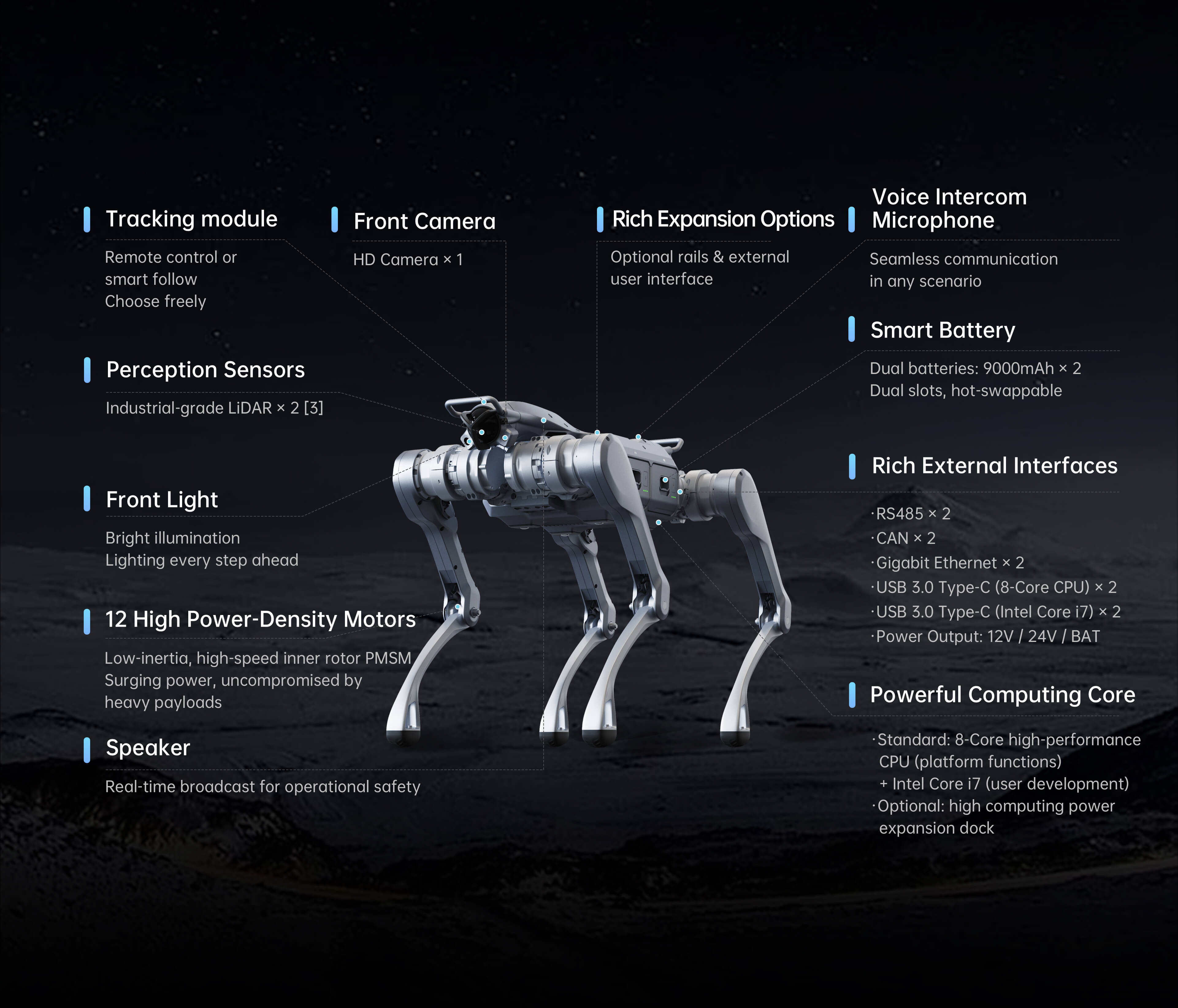
Official Unitree A2 parameter diagram
Physical & Mechanical
Parameter |
Specification |
|---|---|
Dimensions (L × W × H, standing) |
720 × 550 × 820 mm |
Weight (with battery) |
~37 kg |
Weight (without battery) |
~31 kg |
Total Degrees of Freedom |
12 (3 per leg) |
Joint Actuators |
12 high-performance electric joints |
Peak Joint Torque |
Up to 180 N·m |
Ingress Protection |
IP56 (outer body) / IP67 (internal) |
Operating Temperature |
−20 °C to +55 °C |
Mobility & Performance
Parameter |
Specification |
|---|---|
Maximum Speed |
Up to 5 m/s |
Maximum Step Height |
300 mm |
Maximum Slope |
±45° |
Payload (walking) |
25 kg |
Payload (stationary) |
Up to 100 kg |
Operational Range (unloaded) |
~20 km |
Operational Range (loaded) |
~12.5 km |
Power & Endurance
Parameter |
Specification |
|---|---|
Battery |
Dual 9,000 mAh hot-swappable packs |
Runtime (unloaded) |
~5 hours |
Runtime (full load) |
~3 hours |
Hot Swap |
Yes (24/7 operation supported) |
Sensing & Compute
Parameter |
Specification |
|---|---|
LiDAR |
Dual industrial LiDAR (front + rear, 360°) |
Camera |
HD camera with front LED illumination |
Proprioception |
Joint encoders + IMU |
Onboard Compute |
Embedded octa-core CPU |
Optional Compute |
Intel Core i7 module |
Connectivity
Interface |
Specification |
|---|---|
Wireless |
Wi-Fi 6 + Bluetooth 5.2 |
Wired |
Gigabit Ethernet (RJ45) + USB-C |
Optional |
4G LTE + GPS |
Warning
Safety Notice: The A2 is a high-power industrial robot capable of rapid, forceful motion. Maintain adequate clearance during operation, keep the emergency stop accessible, and never allow untrained personnel to operate the robot.
Civilian Use Only: This product is intended exclusively for lawful civilian applications. Hazardous modifications and deployment in dangerous contexts are strictly prohibited.
Note
Specification Source: Values summarised here are drawn from Unitree’s published material and may vary by firmware version, configuration, and operating conditions. Always cross-reference the official Unitree A2 SDK Development Guide before development or deployment.